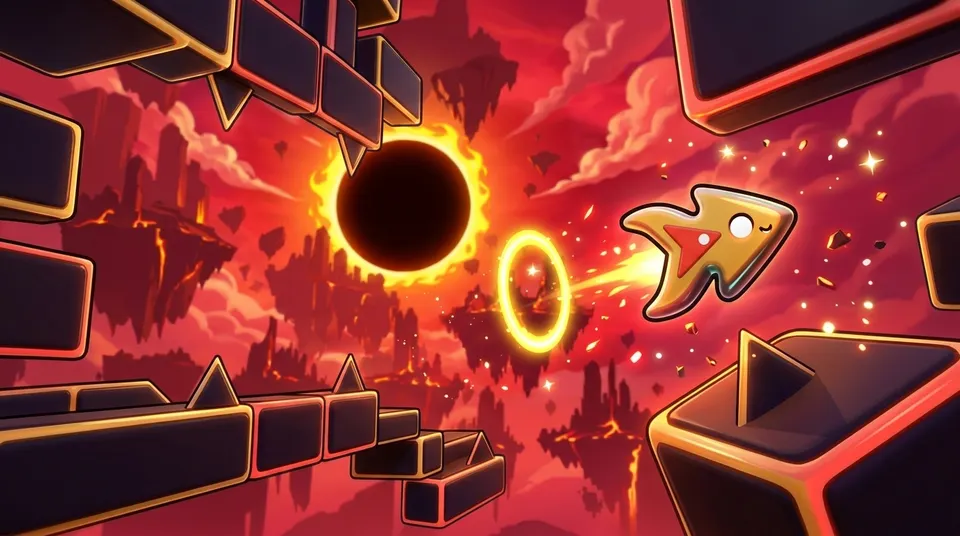
Free on Google Play
Geometry Dash download — keep the rhythm on Android
Download Geometry Dash for Android or try a run in your browser first. Fifteen tracks take you from steady early jumps to faster challenges, with eight forms to master along the way. Start without an account and carry your progress to your phone with a code.
- 15 levels
- 8 forms
- 128–185 BPM
- Free, no sign-up
First launch loads about 100 MB · Free · No ads in the browser
Hold your phone sideways
Geometry Dash download: from your browser to Android
Download Geometry Dash on Android or start with a run in your browser. One button controls the action, while portals switch your form between jumps, flight and changes of gravity. There are fifteen stages to learn, with music that helps you time each move.
Music drives everything here. You get twelve main levels and three bonus ones. The climb begins with Neon City, an Easy stage at 128 BPM, and ends with Overclock, a Hard Demon bonus at 185 BPM. Three coins are hidden in each level, which makes 45 coins and 131 stars overall, and they unlock 32 looks in the garage. Nothing costs money: playing opens every level and look, and you never sign up for an account.
One button is all you need. Your character moves ahead on its own, and the saws, spikes, blocks, orbs, pads and portals sit on the beats, so the track itself tells you when to jump. Portals on the way change your form (there are 8), shift the speed between 1x, 2x and 3x, or flip gravity. You restart instantly, and the game keeps count of attempts and your progress. Practice mode drops checkpoints so you can rehearse a tough section. Wear headphones if you can.
Use the Google Play button to install Geometry Dash on Android 7.0 or newer. You can also play on a computer or a phone in landscape mode without an account. The first browser launch loads about 100 MB, so Wi-Fi is useful. The app includes ads; browser play is ad-free.
Geometry Dash on the web and on your phone
Try a few jumps online before installing, or head straight to Google Play. Here is how the two ways to play fit into your day.
| What to expect | Play online | Get the app |
|---|---|---|
| First run | Open the game frame above | Download using the store button |
| Payment | No purchase needed | No installation charge |
| Stages and forms | Fifteen tracks, eight ways to move | The same stages in your pocket |
| Ad breaks | None during browser play | AdMob banners and ads between runs |
| Switching devices | Get a transfer code while playing | Redeem it to bring your save across |
The menu’s gift code carries your unlocked content to the app without an account.
Eight forms, one button
Portals in the middle of a level change your form, and each one gives the single button a different job. There are 8 forms, each with 4 garage looks, which makes 32 in all.
-
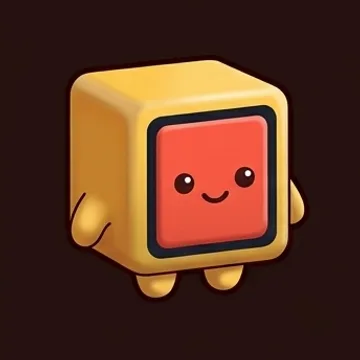
Cube
Tap to jump. Keep your finger down and it hops again the instant it lands, so a single long press can clear a whole row of spikes.
-
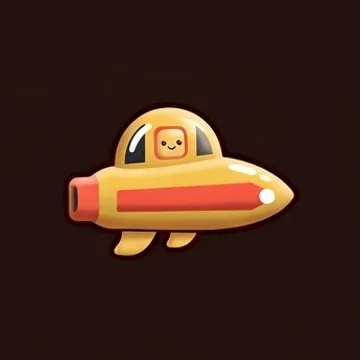
Ship
Holding lifts it, letting go lowers it. You meet it in tight tunnels and near saws, steering by keeping a certain altitude instead of jumping.
-
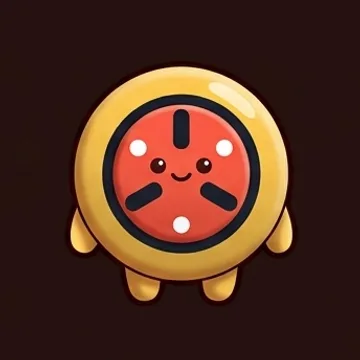
Ball
A tap reverses gravity, throwing the ball between floor and ceiling. Aiming isn't needed; only the timing of each switch matters.
-

UFO
A tap gives a brief upward hop, then it drops until the next tap. You gain altitude by tapping rhythmically, not by pressing and holding.
-
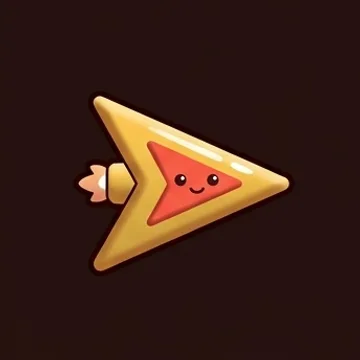
Wave
It only travels in straight diagonals, climbing during a hold and sinking on release. Tight openings punish any late press.
-
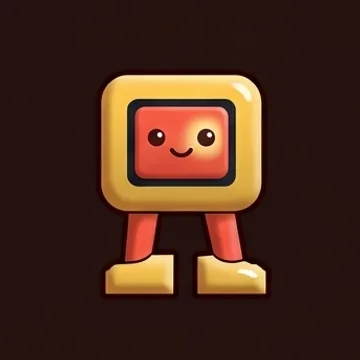
Robot
A longer hold gives a taller jump, while a quick press yields a small one, making the button act like a height dial.
-
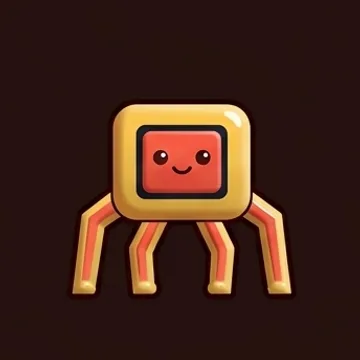
Spider
Each tap sends it straight to the opposite surface, floor or ceiling, with no arc in between, so gaps get crossed in one instant move.
-

Swing
A tap reverses gravity through a soft, swaying turn. Think of it as a calmer relative of the ball's abrupt switch.
Six frames to see before you download, spanning 128–185 BPM
Six genuine screenshots, from the relaxed 128 BPM first stage up to the closing bonus level at 185 BPM. Every saw, spike, orb and pad strikes in time with the music.
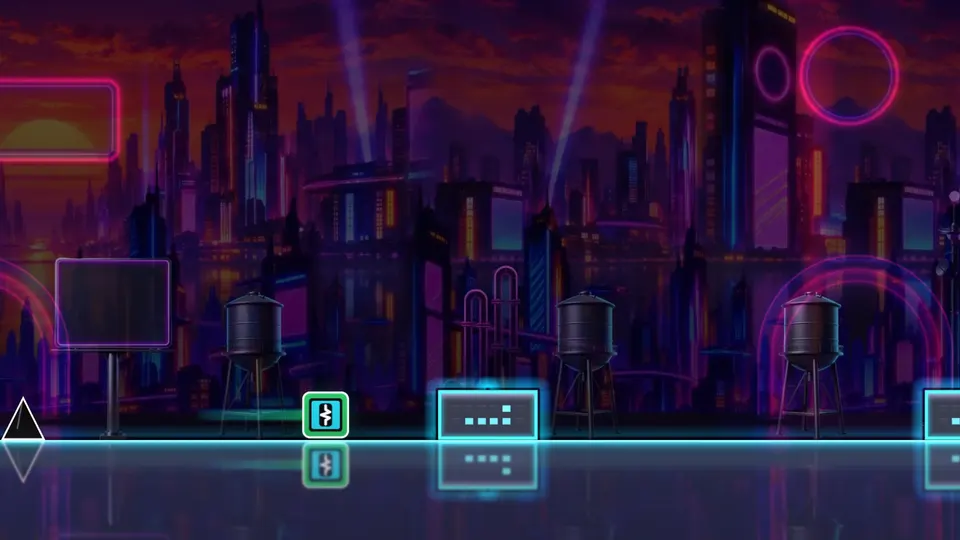
Neon City, 128 BPM: a gentle Easy opener 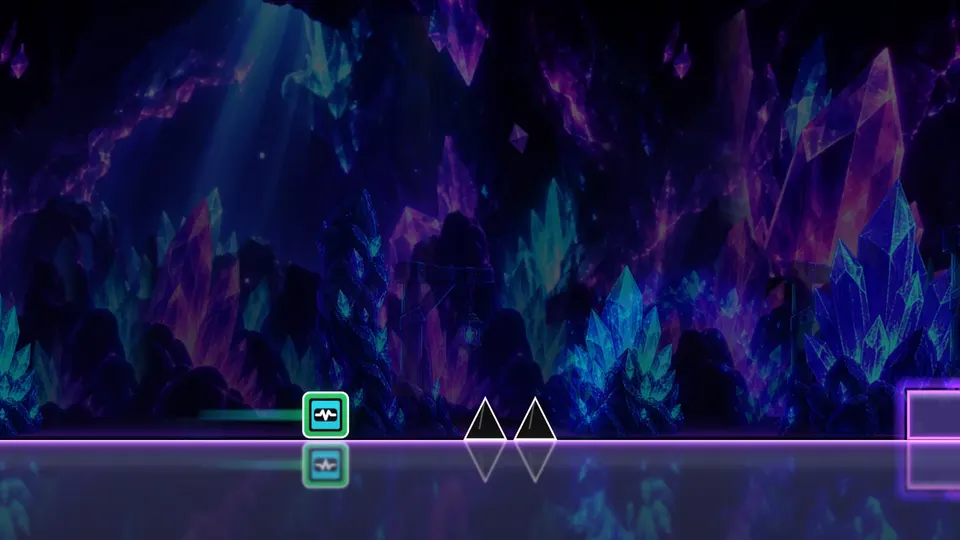
Crystal Mines, 140 BPM: rated Normal 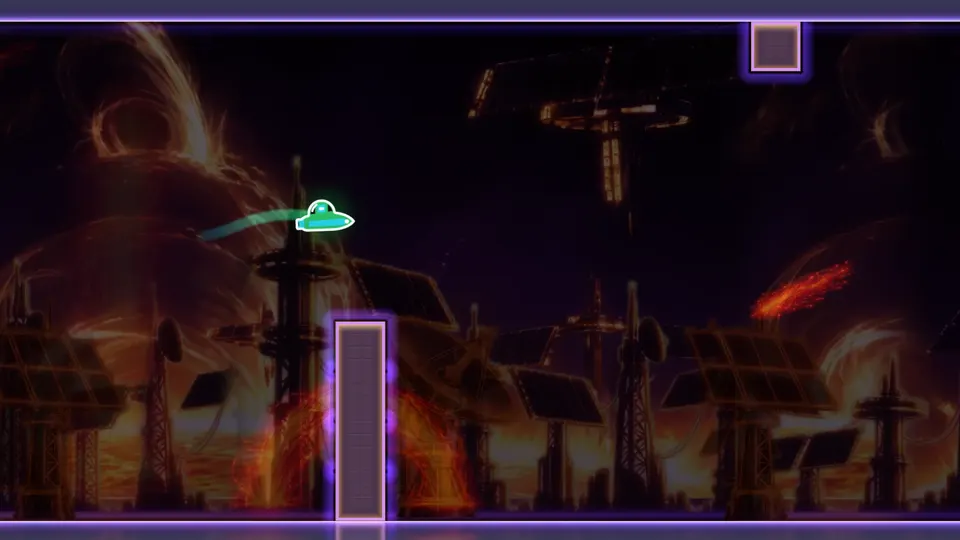
Solar Wind, 150 BPM: rated Hard 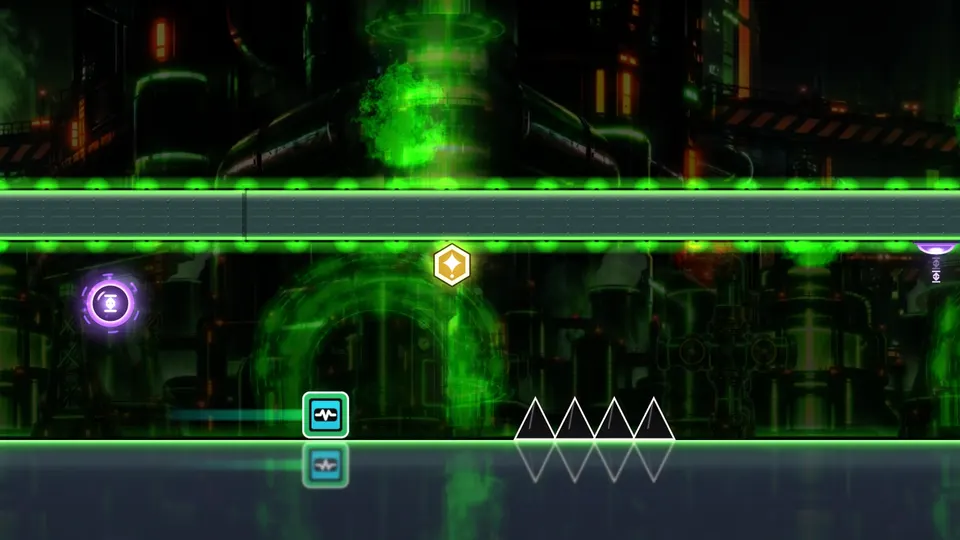
Reactor Core, 160 BPM: rated Insane 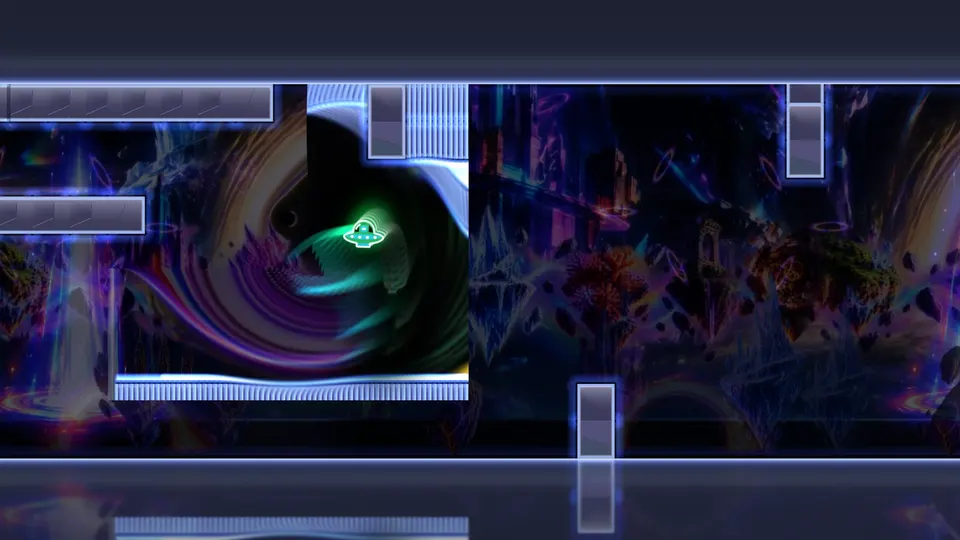
Singularity at 180 BPM: a Medium Demon that ends the main set 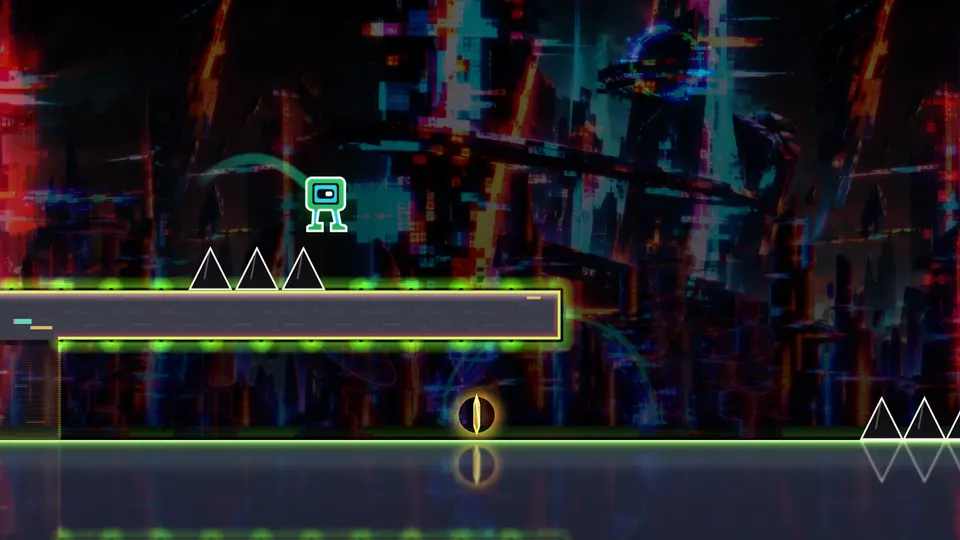
Overclock, 185 BPM: the bonus Hard Demon
Geometry Dash download for Android — get it on Google Play
Download Geometry Dash from Google Play on a phone running Android 7.0 or newer. Began in the browser? Choose "Code · gift" in the game menu, copy the XXXX-XXXX code and enter it in the app. Levels, coins and looks transfer to your phone, and installing unlocks the Aurora skin. No email address or account is needed. AdMob ads appear in the app; the browser game has none.
- Costs nothing to install; needs Android 7.0 or newer
- One save code between browser and phone
- Aurora skin for those who install the app
- AdMob ads show up only inside the app
Free · Android 7.0+ · Ads from AdMob in the app only; none in the browser
Geometry Dash download questions: Android, APK and free play
How does Geometry Dash work?
Your character moves automatically. Press one button to jump, hold it to fly in ship form or tap to change gravity in ball form. Portals switch forms during each level, and the soundtrack helps you judge the timing.
Is there a Geometry Dash APK on this site?
Use Google Play: it installs like any free Android app on version 7.0 or higher, with no APK file to handle. A browser needs no installation at all.
How to get Geometry Dash for free?
Start playing Geometry Dash on this page without a payment or account. For Android, open the Google Play link and install the free app. Every level and garage look unlocks through play.
How do I download Geometry Dash for free?
On an Android phone with version 7.0 or newer, look the app up on Google Play and install it for free. Or simply play on this page in your browser. Loading the first time takes roughly 100 MB, so Wi-Fi saves your mobile data.
Are there ads, and does anything cost money?
You never have to pay: playing unlocks every level and look. No ads appear in the browser version. The Android app carries Google AdMob ads: a little banner in the main menu and full-screen ones during breaks, never more often than every 90 seconds. Watching a video can unlock a garage item sooner.
How do I play it on a phone?
Load this page in your phone's browser and turn the device sideways. About 100 MB downloads on first start. To keep the frame rate steady, phones start with medium or low graphics, and you can raise quality in settings. The Android app works too.
Can I move my progress from the browser to the app?
Yes, using a code. In the browser game, open the menu, choose "Code · gift", copy the XXXX-XXXX code you see, and enter it in the app. Levels, coins and looks carry over, and the Aurora skin unlocks. You need neither an e-mail address nor an account.
Your Geometry Dash download starts with the next jump
Neon City begins gently on Easy. Hit play above to run the game in your browser, or get the free app from Google Play if your phone has Android 7.0 or newer.